
Tonight, I tried the Mary Kay Skin Analyzer app and I thought I’d share my results! It’s super easy!
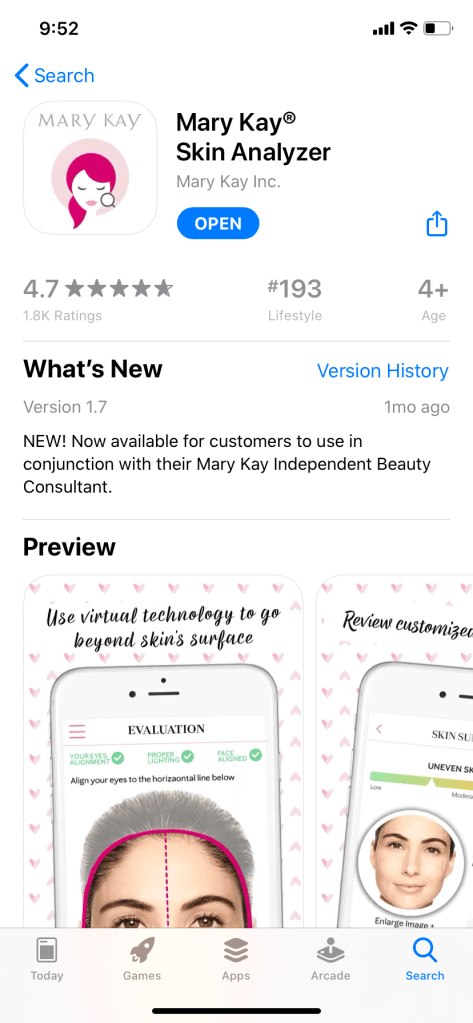
First, it’s FREE. No extra equipment. No cost. Cool!
It’s available for iphone and android phones through their app stores. Nice!
It’s a relatively new app (about a month old) and ranking in the top 200!
So, what’s the big deal?!
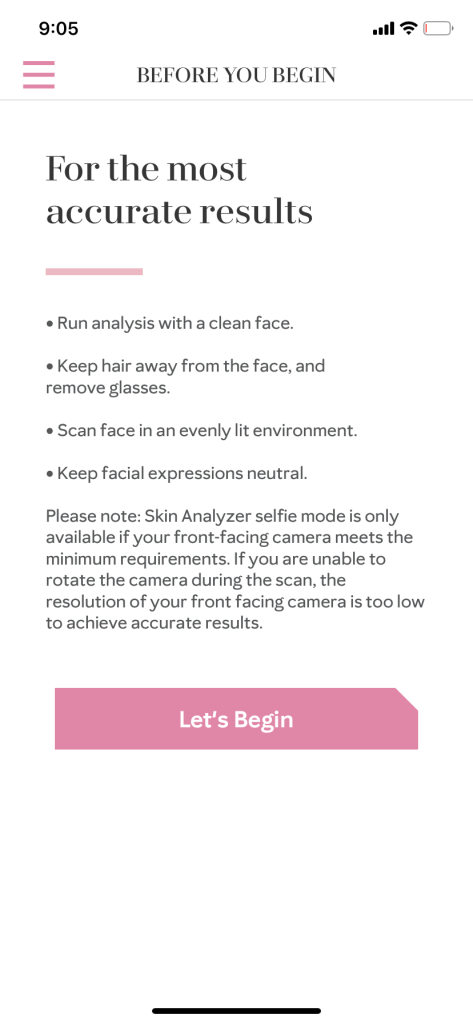
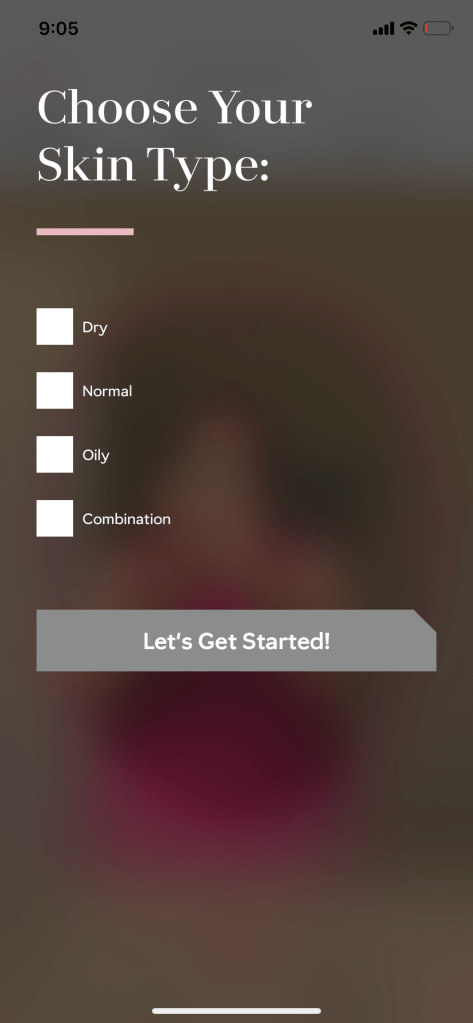
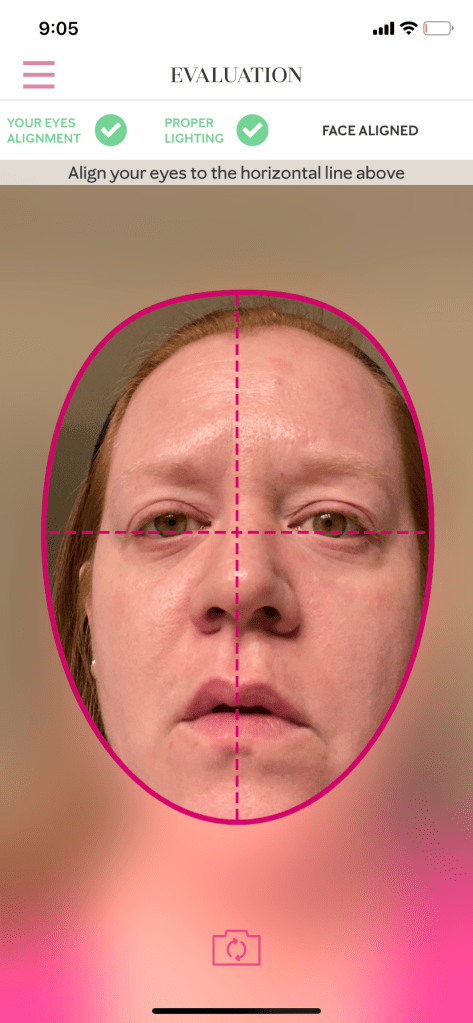
Once it’s downloaded and open, there’s a brief explanation of how to do the scan. The next screen asks ONE question about skin type. Make sure you have a clean face without obstruction. Remove glasses and pull back your hair to make sure you get the clearest image of your face. Also, make sure you relax your face and have good lighting.
It only takes a second for the magic to happen!
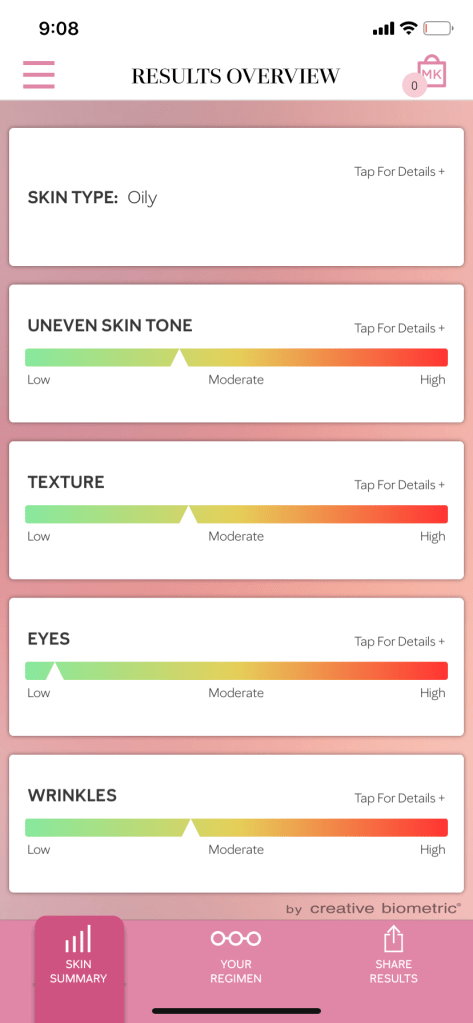
The app looks at 4 key characteristics: uneven skin tone, skin texture, eyes, and wrinkles by comparing the scan against a database of 80,000 facial profiles.
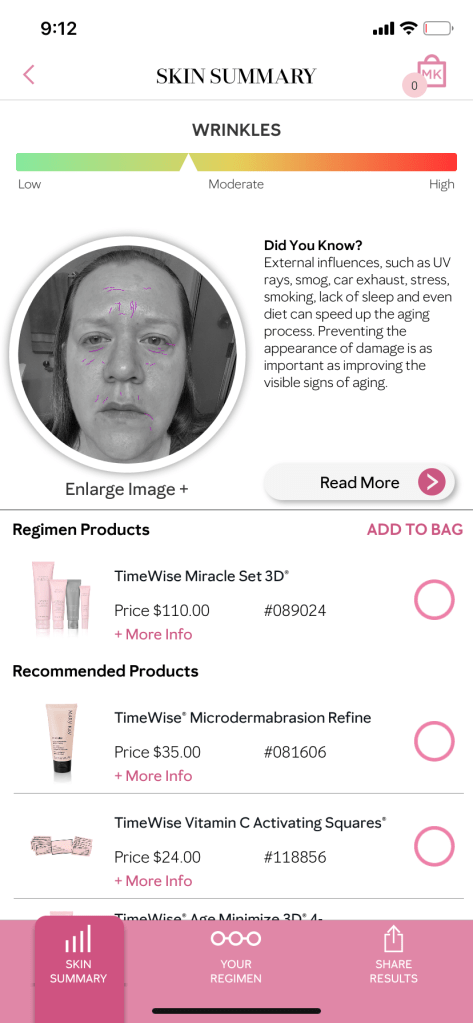
This is an actual picture of my results. You can see that at age 40+, I’m low to moderate in ALL Categories!
So, this chart is impressive with it’s sliders and color changing bar, but how does it know and what does it really mean? And what do I do about it? All you have to do is TAP FOR DETAILS!
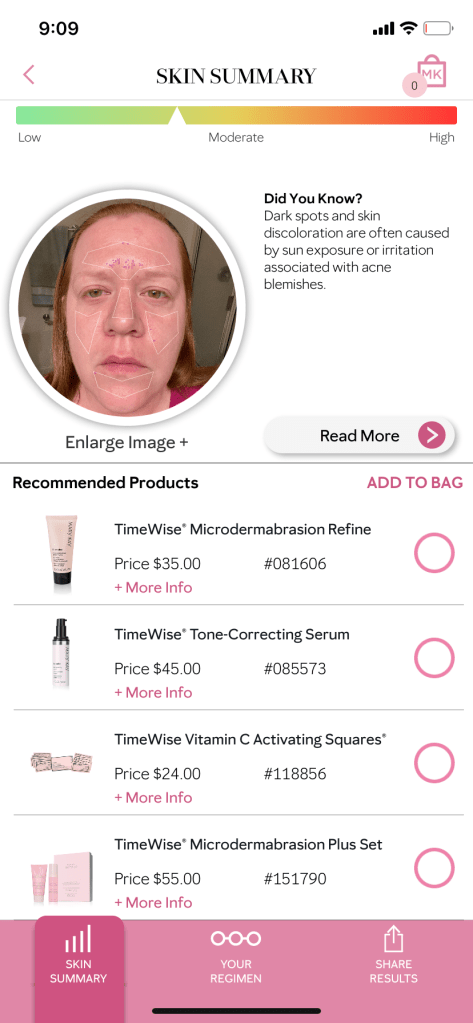
According to the scan, I have some discoloration in my skin most commonly associated with sun exposure and acne. I’m an oily skinned redhead. Yep, those are accurate details!
Based on the results, I should exfoliate more.
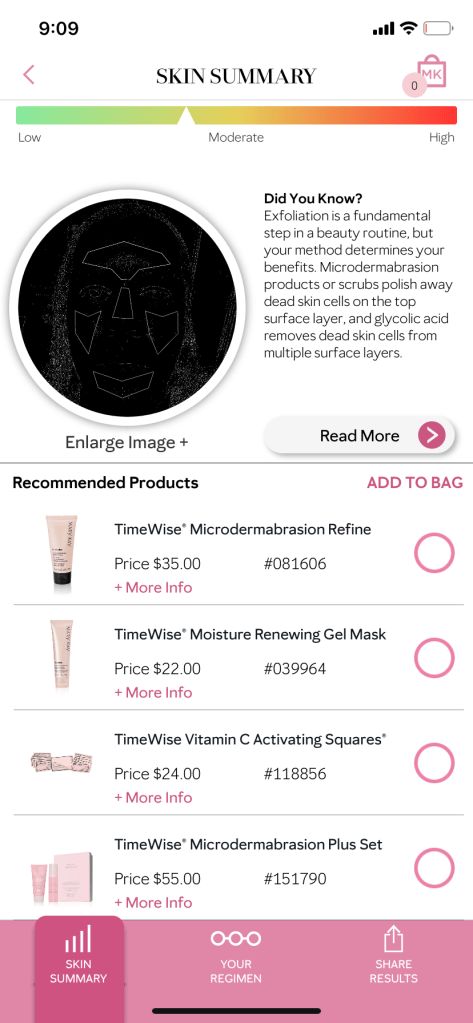
In each description, there are recommended products and some overlap. It’s awesome when one product can address multiple concerns! That’s saves me time and money!
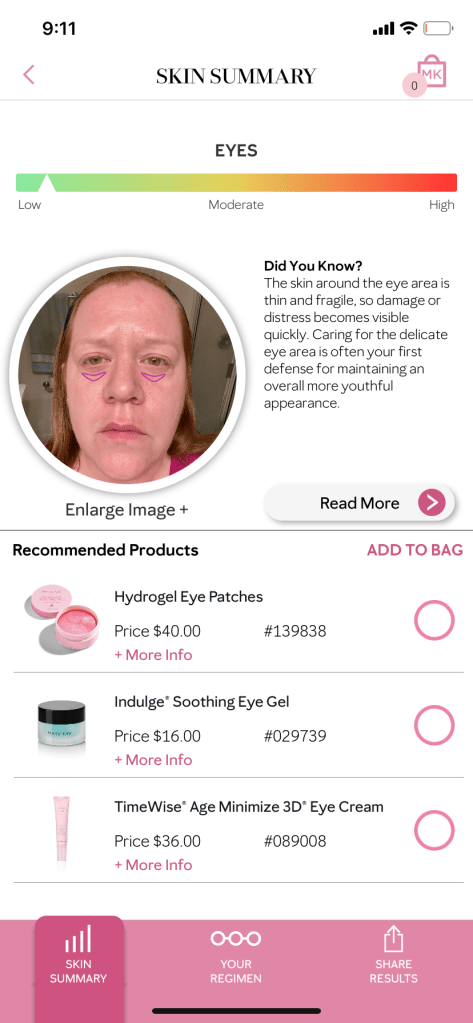
The details in the results provide important information for the levels from my scan. Again, you can see some of the same products recommended.
So what can I do with my results? I can keep them for myself, or I can share them with a consultant.
If you’re curious to see your own results, download the app and give it a try!
If you’re ready to combat signs of aging, email me your results!
If you’re looking for a way to help others, click here!
 Abundantly
One thought on “Review: Mary Kay Skin Analyzer App”